
以 Debain Linux 為例
1. 在使用者目錄下建立不同的目錄
$ mkdir /home/t850008/{Google,t850008}
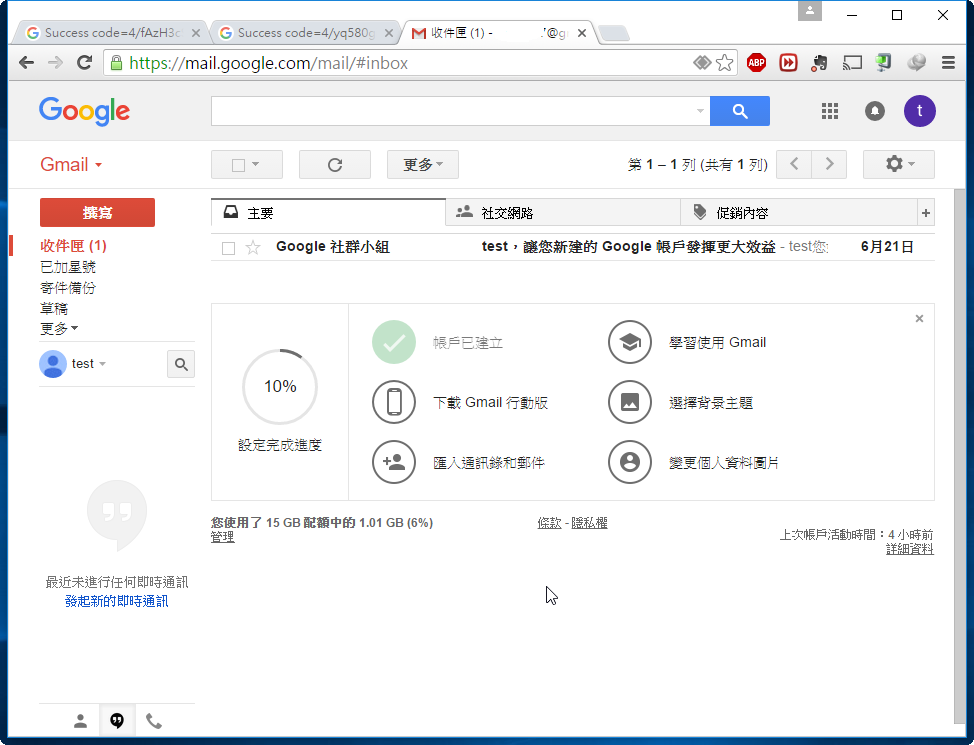
2. 先開啟瀏覽器登入到要同步的 Google Drive 帳號:
[@more@]3. 切換到要同步的目錄,並進行設定
$ cd /home/t850008/Google
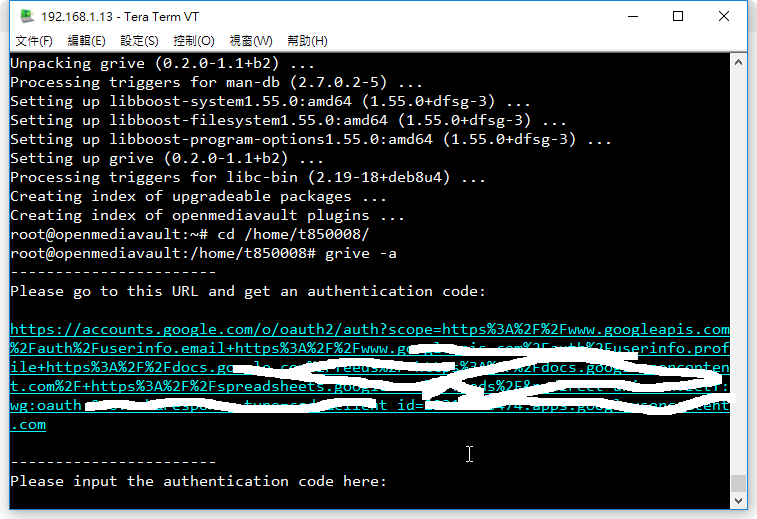
$ /usr/local/bin/grive -a
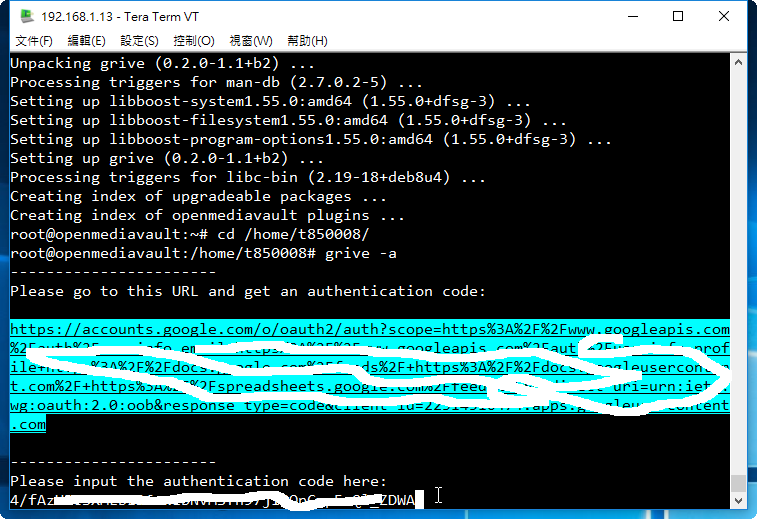
4. 在下方產生網址
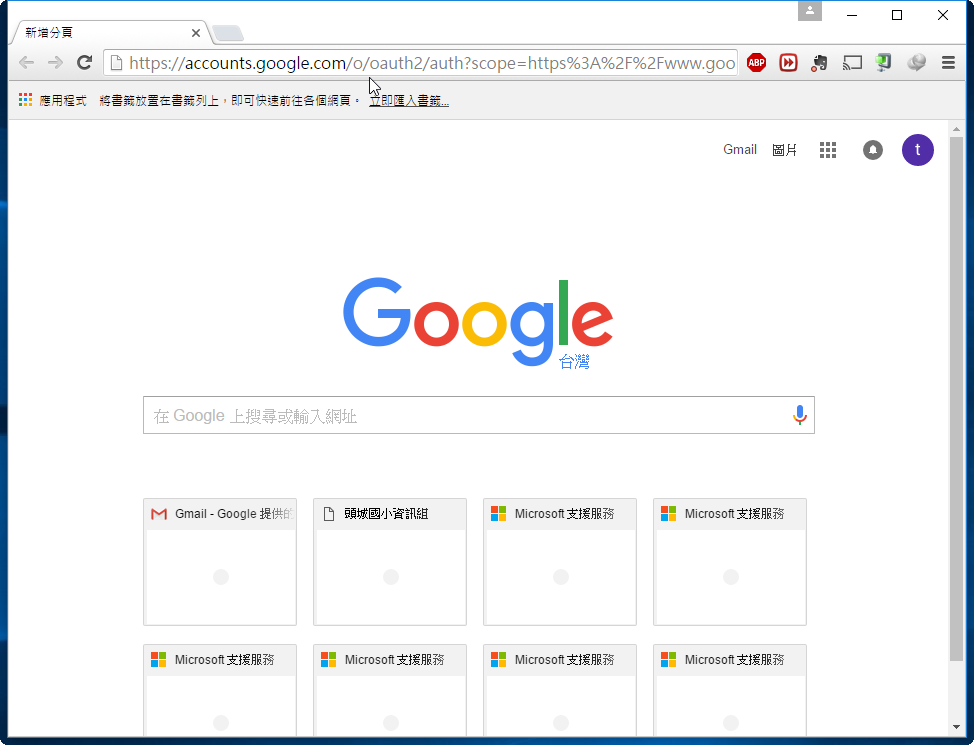
5. 將產生的網址,貼到瀏覽器網址列,按 Enter 鍵執行
6. 選擇 允許
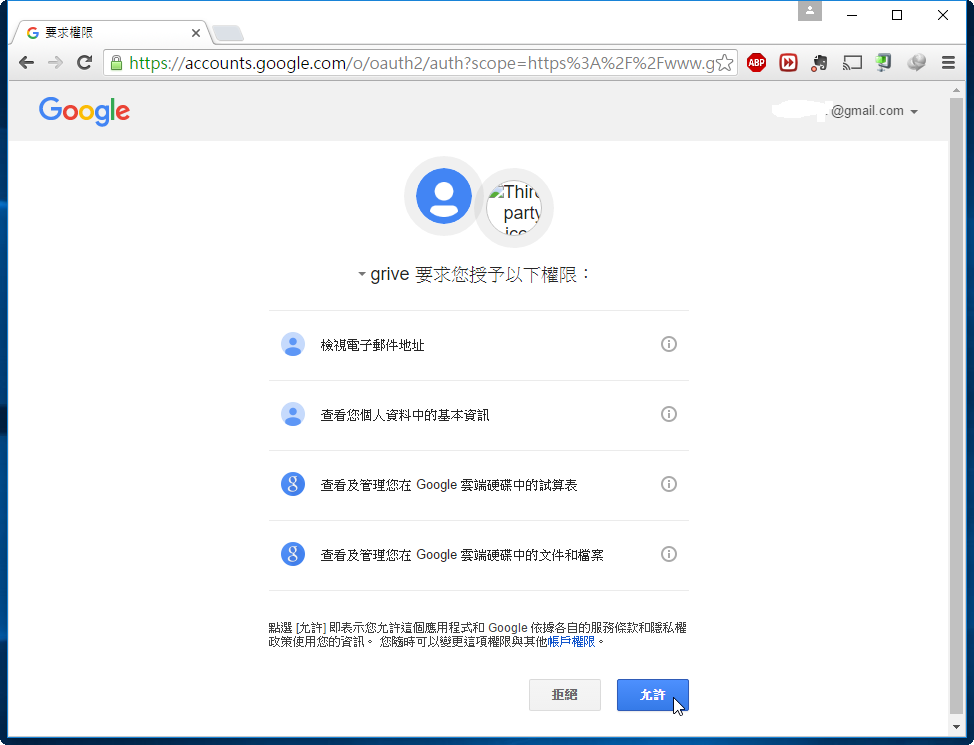
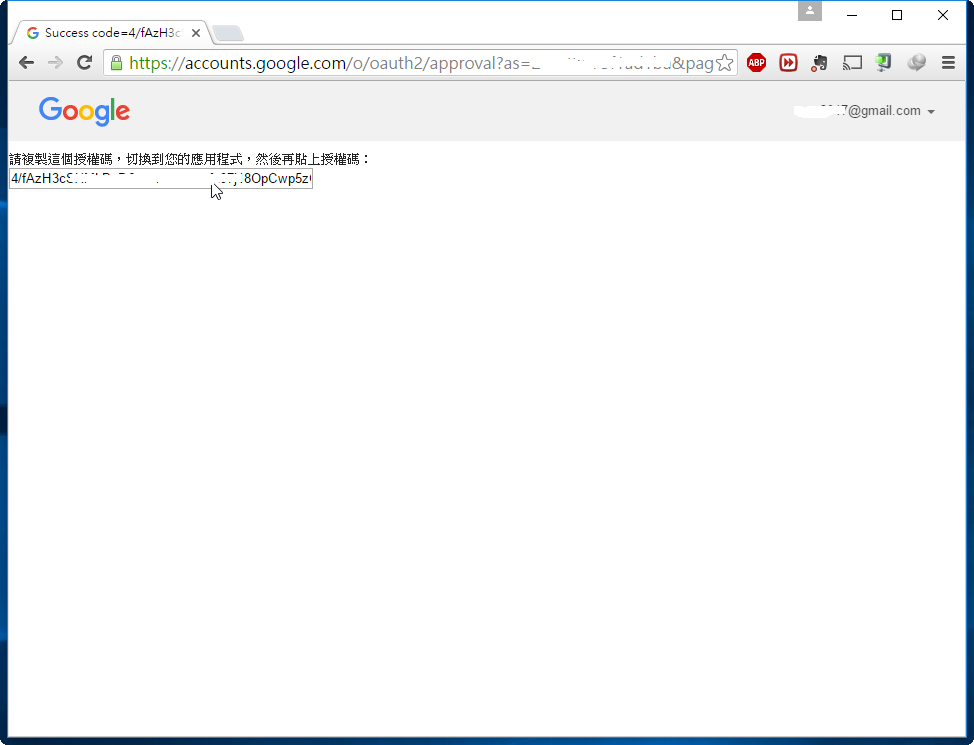
7. 將產生的 授權碼 複製起來
8. 將產生的 授權碼 貼在下方,按 Enter 鍵執行
Reading local directories
Reading remote server file list
Synchronizing files
sync “./.bash_logout” doesn’t exist in server, uploading
sync “./.bash_profile” doesn’t exist in server, uploading
sync “./.bashrc” doesn’t exist in server, uploading
Finished!
9. 登入另外一個 Google 帳號,重複 2~8 個步驟,但目錄切換到 /home/t850008/t850008
10. 在 crontab 中建立工作排程
$ crontab -e
*/5 * * * * /usr/local/bin/grive -p /home/t850008/Google
*/5 * * * * /usr/local/bin/grive -p /home/t850008/t850008