
Reboot Restore Rx 2.0 是一套免費的還原軟體,重新開機之後可以立即還原,支援 Windows 7 / 8 / 8.1 x86 / x64 等常用的 Windows 作業系統。。
Reboot Restore Rx 官方網站:
http://www.horizondatasys.com/en/products_and_solutions.aspx?ProductId=18
 [@more@]1. 安裝方式:
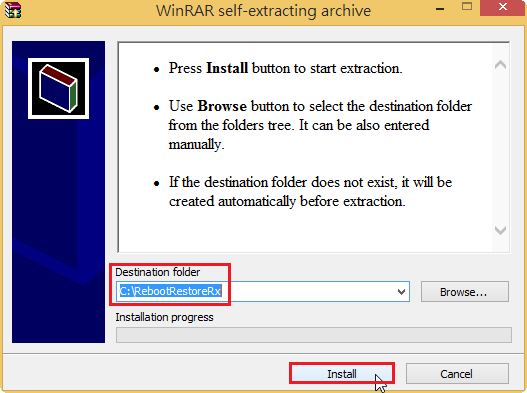
選擇安裝路徑,並按 Install 安裝
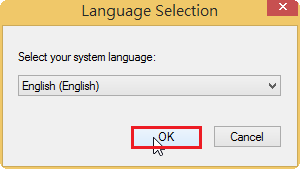
選擇安裝的語言
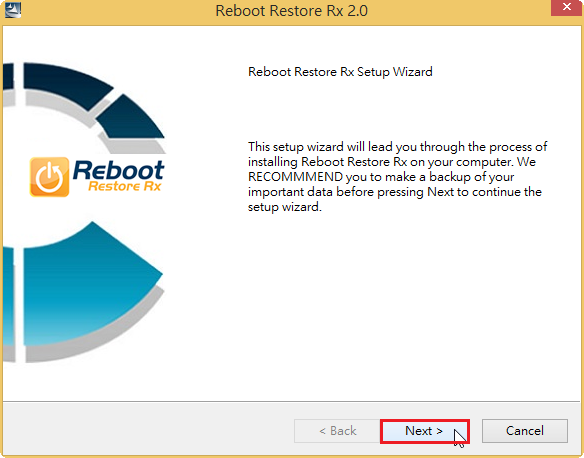
按 Next 繼續安裝
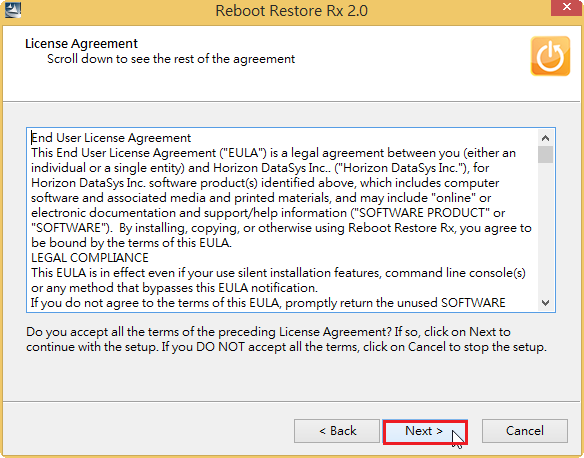
軟體授權合約,按 Next 繼續安裝
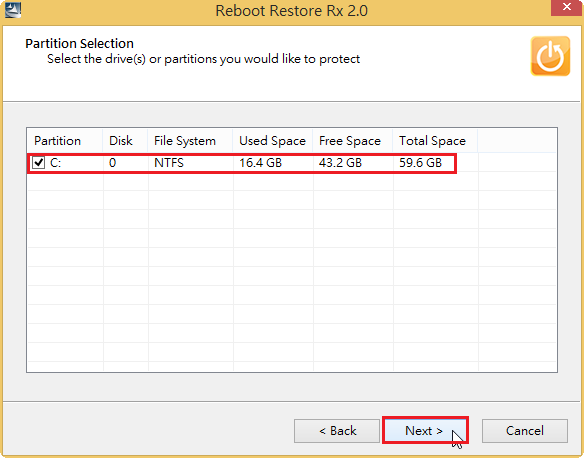
選擇要還原的分割區,如果有個分割區可以一併挑選,按 Next 繼續安裝
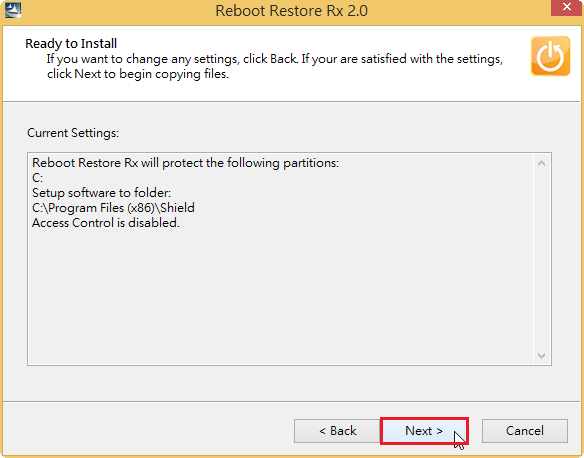
按 Next 繼續安裝
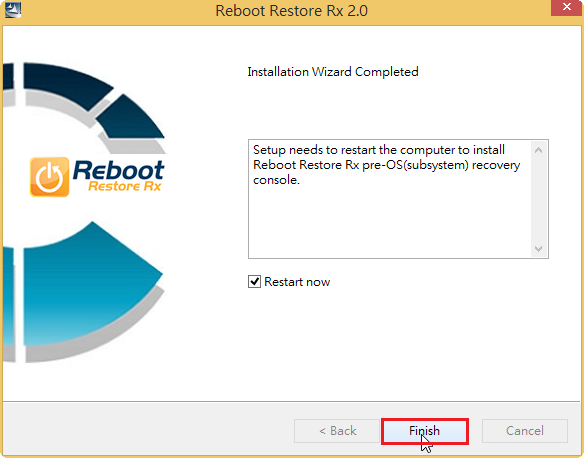
按 Finish 完成安裝,如果有勾選 Restart now,則會重新開機
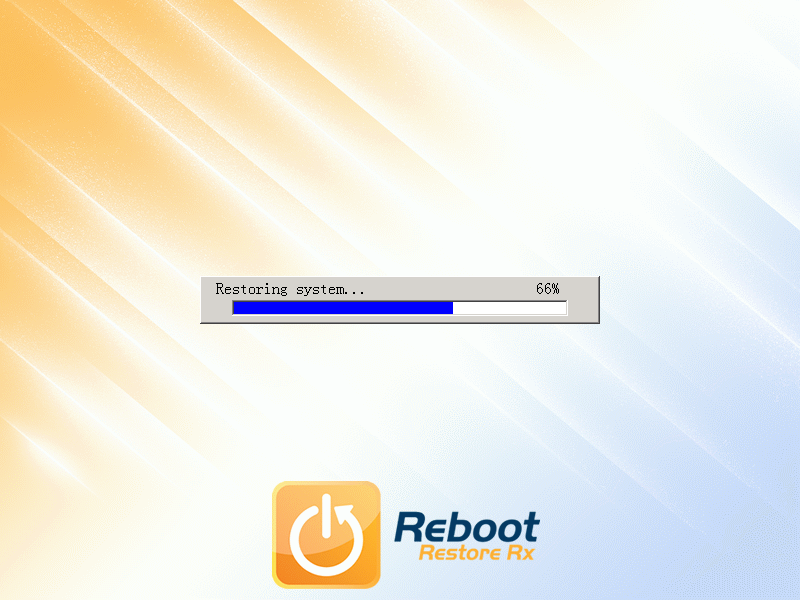
2. 重新開機畫面
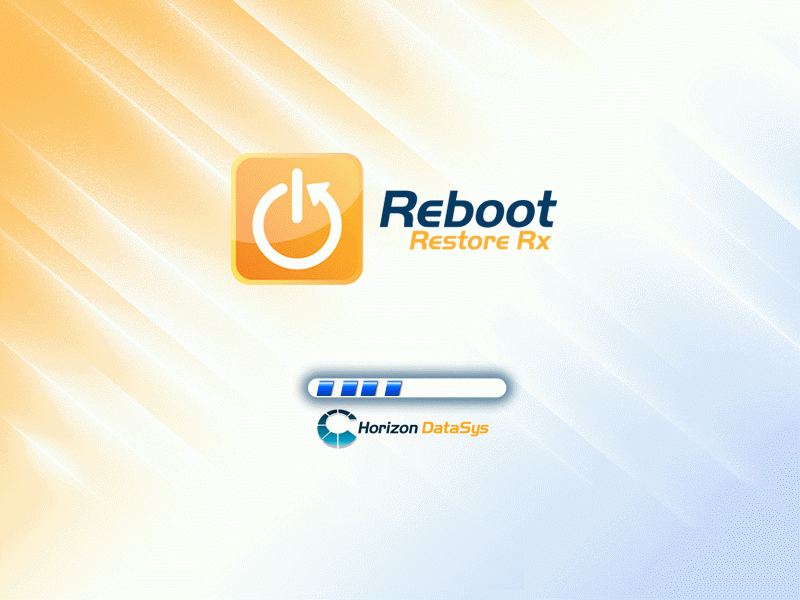
系統還原中,速度很快
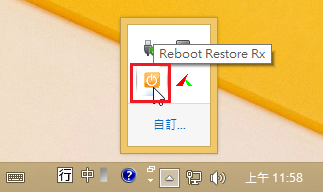
3. 在隱藏的圖示中可以找到 Reboot Restore Rx 圖示,如果有啟動還原,圖示是橘色的
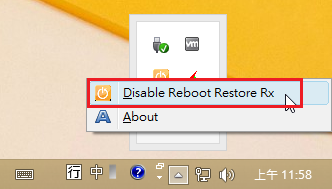
可以按滑鼠右鍵,選擇 Disable Reboot Restore Rx,取消 Reboot Restore Rx 還原功能
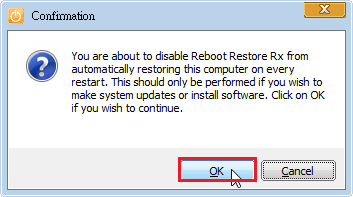
按 OK 確認
取消之後 Reboot Restore Rx 還原功能之後,如果想要重新開啟
4. 可以選擇隱藏圖示中的 Reboot Restore Rx,因為目前沒有啟動還功能,所以圖示是灰色的
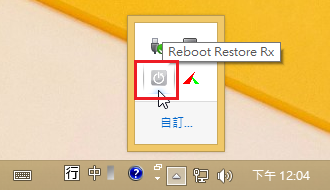
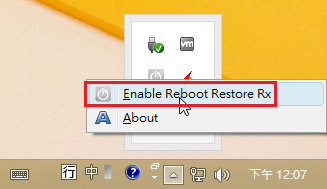
可以按滑鼠右鍵,選擇 Enable Reboot Restore Rx,啟動 Reboot Restore Rx 還原功能
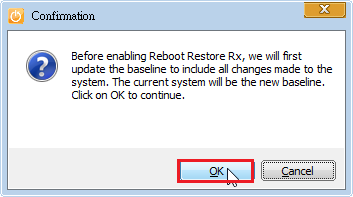
按 OK 確認
個人覺得 Reboot Restore Rx 的功能和使用者介面,都做的不錯,也很簡單,沒有太花俏的功能,唯一最大的缺點是不能設定密碼保護,如果有這樣的須求,可以使用 Reboot Restore Rx 的進階商業版本,如:RollBack Rx 或 Drive Vaccine,或考慮使用也是免費的 Toolwiz Time Freeze 2014。